Why Patients Get Lost: The Real Cost of Poor Hospital Wayfinding

Hospital wayfinding systems can cost hospitals real revenue

A pattern in patient satisfaction surveys is pointing to a problem most hospitals haven’t fully recognized.

Survey comments about getting lost, missing appointments, and asking staff for directions keep surfacing. Not as isolated complaints, but as a consistent operational signal. Static signage consistently fails to close the gap: even large, well-signed facilities still see the majority of patients turning to staff for navigation help.

What the evidence shows:

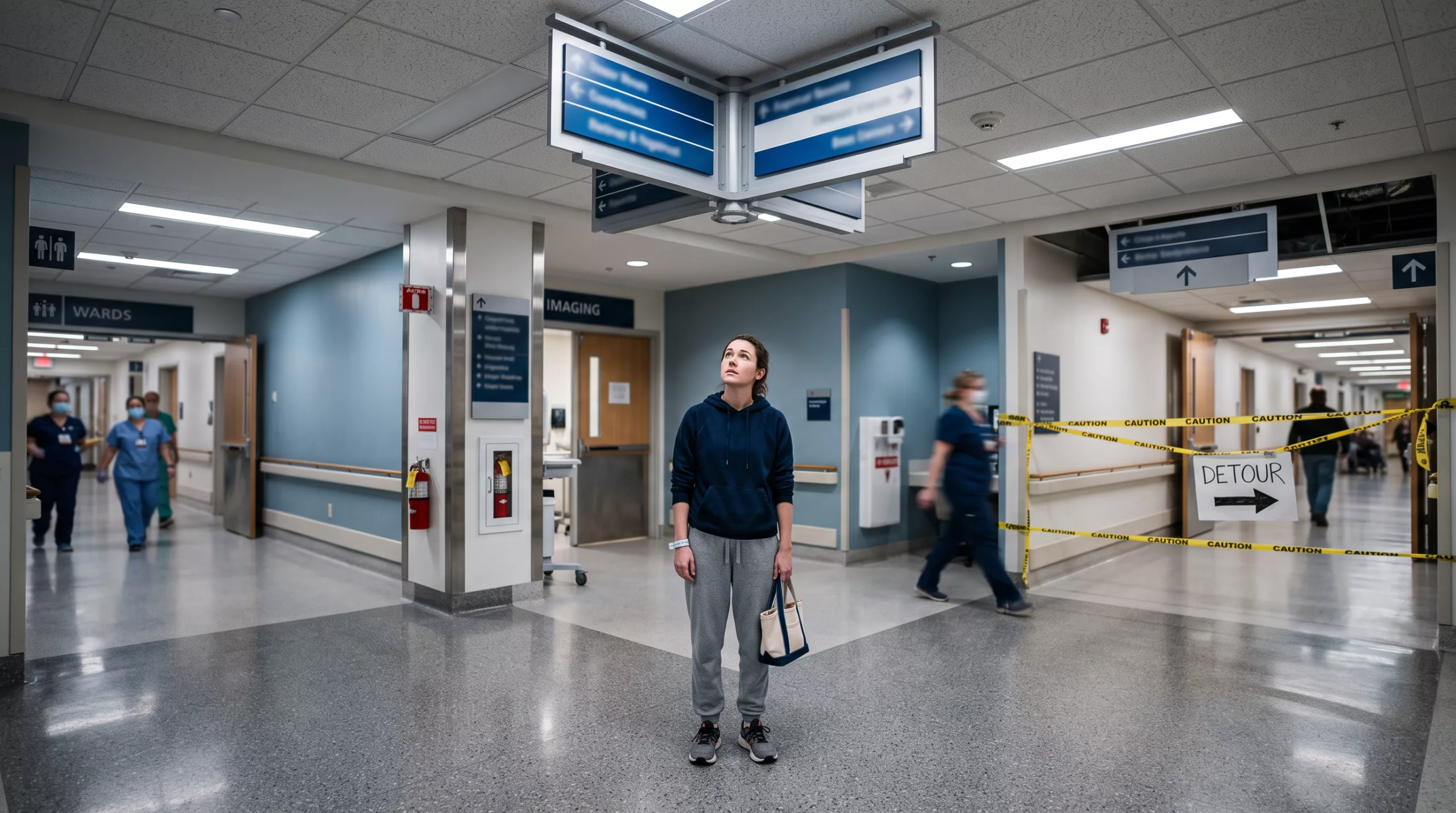
  • Static signs fail fastest in active construction zones, exactly when patients most need accurate directions
  • ICUs, operating theatres, and labs consistently rank as the hardest areas to find
  • Wayfinding-driven stress contaminates the baseline sentiment CIHI’s CPES-IC captures across seven patient-reported experience measures

The operational and reputational costs here aren’t theoretical. They’re structured, reported, and visible to hospitals, the government, and prospective patients.

The satisfaction-survey comments looked routine until a pattern surfaced: patients circling hallways, arriving late, asking staff who sometimes didn’t know the answer themselves. No single complaint was alarming. Collectively, they pointed at the hospital wayfinding system.

The costs are not abstract. They accumulate in staff time, schedule integrity, satisfaction scores, and institutional trust. This post maps where those costs land and what closes the gap that static signage alone cannot.

Book a Healthcare Wayfinding Assessment
Why patients get lost in the first place

Hospital campuses are genuinely complex: multi-tower builds, basement connector corridors, department relocations during active construction, and elevator banks that serve only certain floors. ICUs, operating theatres, and laboratories are consistently the hardest destinations to find. Static signage degrades the moment a department moves. A digital information hub, often referred to as a digital directory, can push a map revision across every kiosk in minutes.

The staff cost: distraction, frustration, and incivility

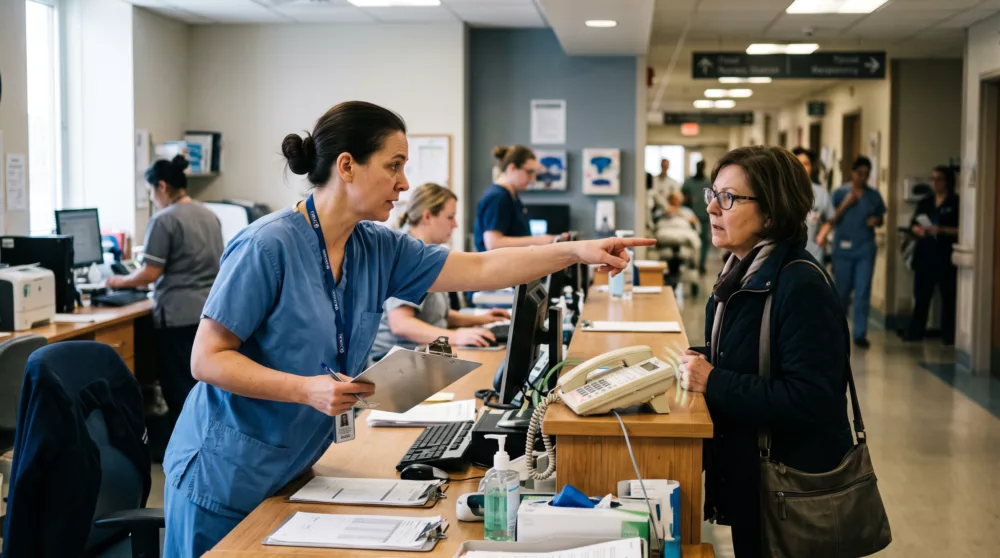
Every wayfinding request intercepted by a nurse or clerk is a clinical or administrative task interrupted. Staff who don’t know the answer themselves, which is common in large academic medical centres where departments shift frequently, escalate the frustration rather than resolve it. The wayfinding load falls on whoever is nearest, regardless of role.

The downstream cost: delayed appointments, backed-up departments

Late arrivals compress scheduling across entire departments. A patient who cannot find the pre-operative assessment unit delays surgical prep, which can push an OR start. OR time is among the most expensive clinical resources a hospital runs. No verified Canadian primary-source figure exists for per-minute OR cost at a national level, so this post does not supply one. The cascade is consistent, though: navigation failure at the lobby propagates downstream into clinical throughput.

The patient experience cost: scores, reporting, and reimbursement

The CMS Hospital Data Dictionary identifies HCAHPS as a survey instrument for measuring patients’ perceptions of their hospital experience. That data is reported at the provider level and visible to anyone using Care Compare.

In Canada, CIHI’s CPES-IC calculates seven patient-reported experience measures, including Overall Hospital Experience. CIHI developed this instrument specifically to support hospital accreditation and quality improvement, meaning a frustrated, late-arriving patient who rates their experience poorly feeds structured data that Accreditation Canada reviewers can interrogate. It is not an anecdotal complaint. It is a record.
Why signage alone doesn’t fully close the gap

Static signs meet only part of the problem. Hospitals routinely misapply this distinction to digital kiosks, creating compliance exposure.

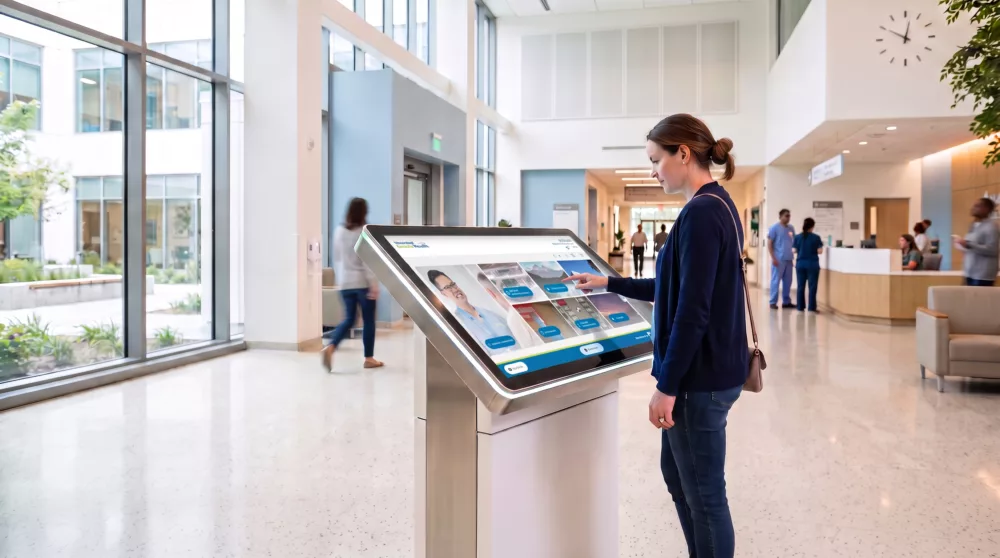
Language is a parallel gap. A digital directory managed through a centralised CMS can serve multilingual content, push accessibility-compliant layouts, and reflect real-time construction detours. Comparatively, none of that is possible with a printed sign after it’s mounted.

Poor wayfinding is a systems problem, not a signage problem. Static signs degrade the moment a department relocates. Your facility team absorbs the gap at the cost of clinical attention. Patient frustration accumulates into satisfaction scores that administrators cannot reverse after the fact.

Interactive wayfinding, real-time, CMS-managed, and multilingual, closes that gap without creating a new IT burden or a parallel help-desk queue. Firstly, for your facility team, that means construction-phase updates pushed system-wide in minutes. For Patient Experience, it means multilingual turn-by-turn guidance before a patient ever reaches reception. For IT, it means a single integrated platform rather than another data silo.

The hidden cost of poor wayfinding compounds quietly. A wayfinding assessment is where that compounding stops.

See what this looks like in your space

youRhere offers a no-obligation walkthrough showing exactly how a digital directory would sit in your space: with no quote required to start the conversation.

Start the conversation today

Static vs. Digital: What Actually Changes in Your Building When a Tenant Moves

Digital building directory cuts tenant change costs

Every tenant move makes a static directory wrong the moment it happens, and wrong directories cost tenants business.

When a tenant relocates to a new floor or a new occupant moves in, a physical panel becomes a liability immediately. Visitors follow outdated listings to the wrong suite; the front desk absorbs the overflow.

  • A static engraved panel is not automatically ADA-compliant just by existing; per the U.S. Access Board’s ADA Guide Chapter 7, interior signs providing direction to or information about interior spaces must meet visual requirements but are not required to be tactile, meaning a reprinted plaque still requires verification before reinstallation.
  • Reprinting and installer scheduling typically runs days to weeks, leaving an accuracy gap your tenants’ clients walk straight into.
  • Misdirected visitors call the front desk, pulling staff from higher-value work and creating exactly the dated lobby experience that loses leasing tours.
  • A digital building directory publishes updates from the CMS within the hour; no fabrication lead time, no installer booking, no compliance re-review of physical materials.
  • Once digital, the same screen serves wayfinding, floor maps, and building announcements; capabilities a static panel cannot add without full replacement.

For property managers across a portfolio, one CMS update propagates consistently to every building; no per-asset reprint budget, no variation in tenant experience between towers.

See what a digital building directory would look like in your lobby

A tenant confirms their new floor. You update the lease. Then someone looks up at the lobby directory and it still shows the old suite.

Reprinting a static panel takes days, sometimes weeks, and costs money you did not budget for this quarter. While you wait, the tenant’s clients walk in, check the board, and head to the wrong floor.

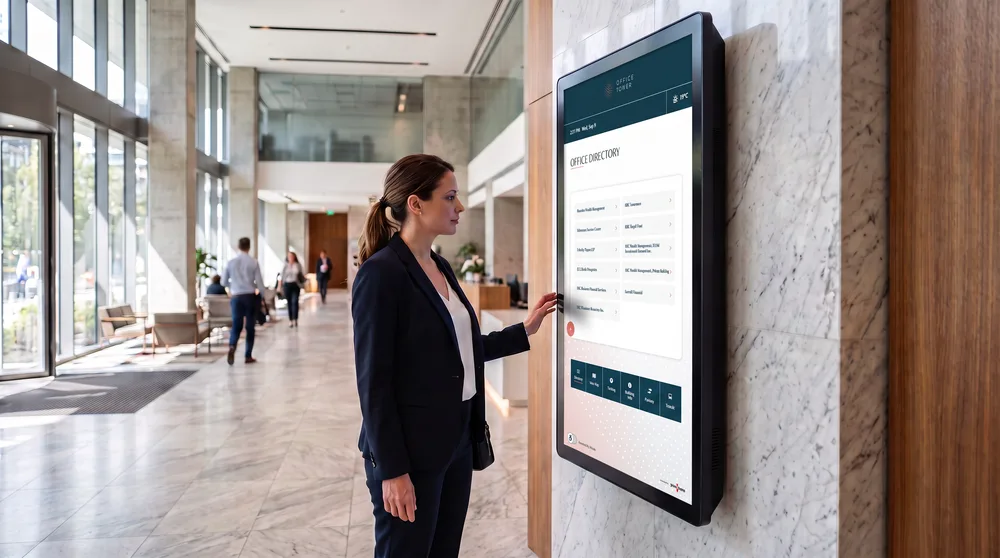
This is a recurring problem for property managers and portfolio teams who handle buildings with any meaningful turnover. A digital building directory; often referred to as a digital directory, though it does considerably more than that; removes the reprint cycle entirely. A staff login, a few edits, and the board reflects reality within minutes.

Below, we cover how that update process actually works, what the gap costs your tenants, and what else becomes possible once the directory is connected.

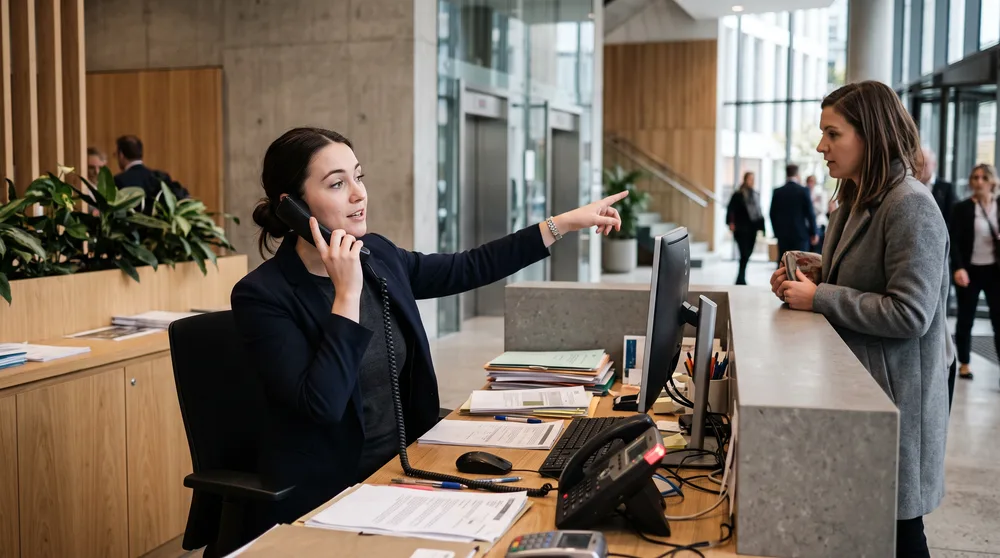
a front desk receptionist juggling a phone call and giving directions to a visitor, papers piling up.

How static directories break and what that costs you

When a tenant vacates or moves to a different floor, the static directory in your lobby becomes wrong the moment they hand back their keys. A physical panel; whether engraved acrylic, push-letter, or printed insert; requires a work order, materials procurement, and in most cases a vendor visit or facilities labour to remove and replace lettering. That process routinely runs days to weeks, not hours.

During that window, the directory actively misleads visitors. A client arriving for a meeting on the 12th floor, directed by the panel to the 8th, either calls the front desk or leaves. That call volume lands on building staff; that confusion lands on the tenant trying to run a business.

In a multi-tenant office building with normal annual churn: five, eight, twelve lease events per year, those individual costs compound. Labour, materials, and third-party installer fees repeat every cycle. Directors managing a portfolio of several buildings, particularly those operating under national account standards for managers such as GWLRA, Colliers, or BGO, absorb those costs across every asset simultaneously, with no efficiency between buildings.

Who controls the update, and how fast is It?

A CMS-driven digital directory shifts content control to the property management team directly. A permissions model allows a property manager or administrative coordinator to add a tenant name, update a suite number, and publish the change without vendor involvement. The change appears on the lobby screen the same day, often the same hour.

That speed has a practical implication for leasing: a tenant can have suite identification on day one of occupancy, before any physical signage is fabricated. For a leasing tour, that first impression: a lobby screen showing current, accurate tenants; signals an actively managed building in a way a half-empty push-letter panel does not.

Some digital directory platforms also integrate with access-control or leasing management systems, pulling tenant roster data directly so the directory updates when the lease record does.

What your current signage may not actually satisfy

A common assumption is that a physical engraved panel in the lobby meets accessibility requirements by default. It does not.

The U.S. Access Board’s ADA Guide for Signs specifies that interior signs providing direction to or information about interior spaces must meet visual requirements but are not required to be tactile. An engraved panel that has been partially modified, has inconsistent contrast from an older section, or uses a non-compliant typeface fails those requirements regardless of its format.

Digital directories introduce a separate compliance layer. ICT (information and communications technology) with closed functionality — such as a lobby kiosk — must be operable without requiring the user to attach or install assistive technology other than personal headsets or other audio couplers, per Section 402 of the ICT Accessibility Standards. And if the interface runs on a browser-based CMS, WCAG 2.2 applies to web content on any kind of device, including kiosks. A properly specified digital directory addresses both layers at deployment.

a sleek digital directory screen with a glowing tenant list and floor map, a visitor calmly reading it.

Beyond names: what the screen can actually do

A digital directory is not a one-to-one replacement for a panel. The same screen can display amenity hours, event listings, emergency notifications, and building announcements on a scheduled or triggered basis. Wayfinding maps and floor plans reduce the “where exactly is suite 410?” question that currently lands on the front desk.

For a portfolio director, a single CMS platform governing content across multiple buildings means one governance structure, one training program, and one vendor relationship; rather than coordinating separate physical sign vendors building by building.

See what this looks like in your lobby

youRhere offers a no-obligation walkthrough showing exactly how a digital directory would sit in your space: no quote required to start that conversation.

A static directory that lags tenant moves is a recurring cost absorbed silently by building staff, incoming tenants, and their clients. Every transition that runs days instead of minutes erodes the lobby experience your leasing team works hard to project.

Going digital changes the economics at the transaction level: one staff member updates the CMS, the display reflects it immediately, and front-desk misdirection calls drop without a service ticket or vendor visit. For portfolio managers holding assets under national account standards, that consistency becomes replicable across every building on the same platform, not negotiated building by building.

The broader implication is structural: as tenant churn accelerates in flex-lease environments, the directory is no longer background infrastructure. It’s an operational dependency. Buildings that treat it that way will carry a measurable advantage in tenant retention conversations before the lease renewal even starts.

Start the conversation today